How Goings works
Goings is built around Links: live spaces for what’s happening at real places near you. Here’s one night with Goings, from start to finish.
-
01Before you go
See what’s happening.
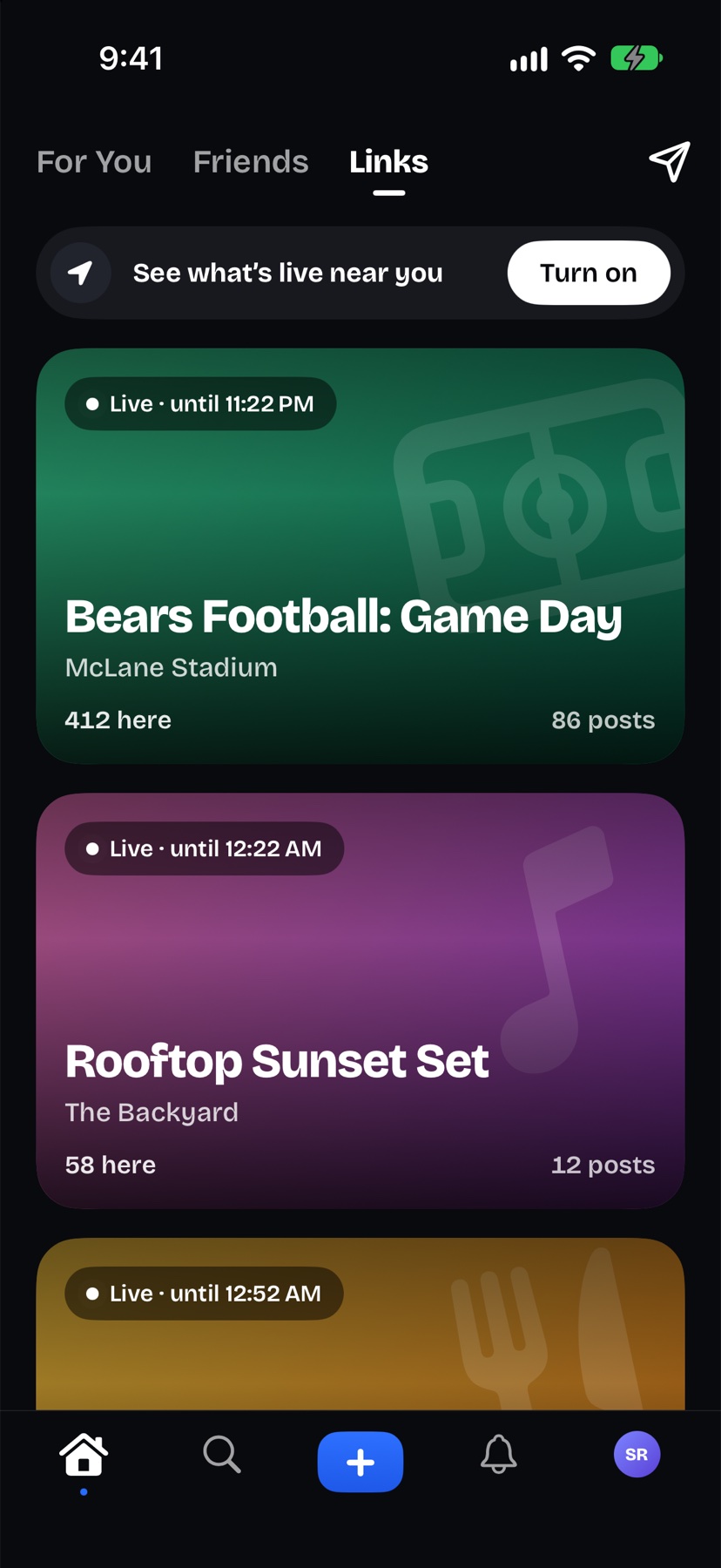
A Link is a temporary space built around something happening at a real place: a game, a show, a party, a pop-up. Open Goings and the ones near you come first, with how many people are there and when each one ends.
- Browse Links by place on the map in Explore.
- Anyone signed in can follow along from anywhere.
- Turn on nearby Link alerts to hear when one goes live close by.
-
02When you get there
Be there to post.
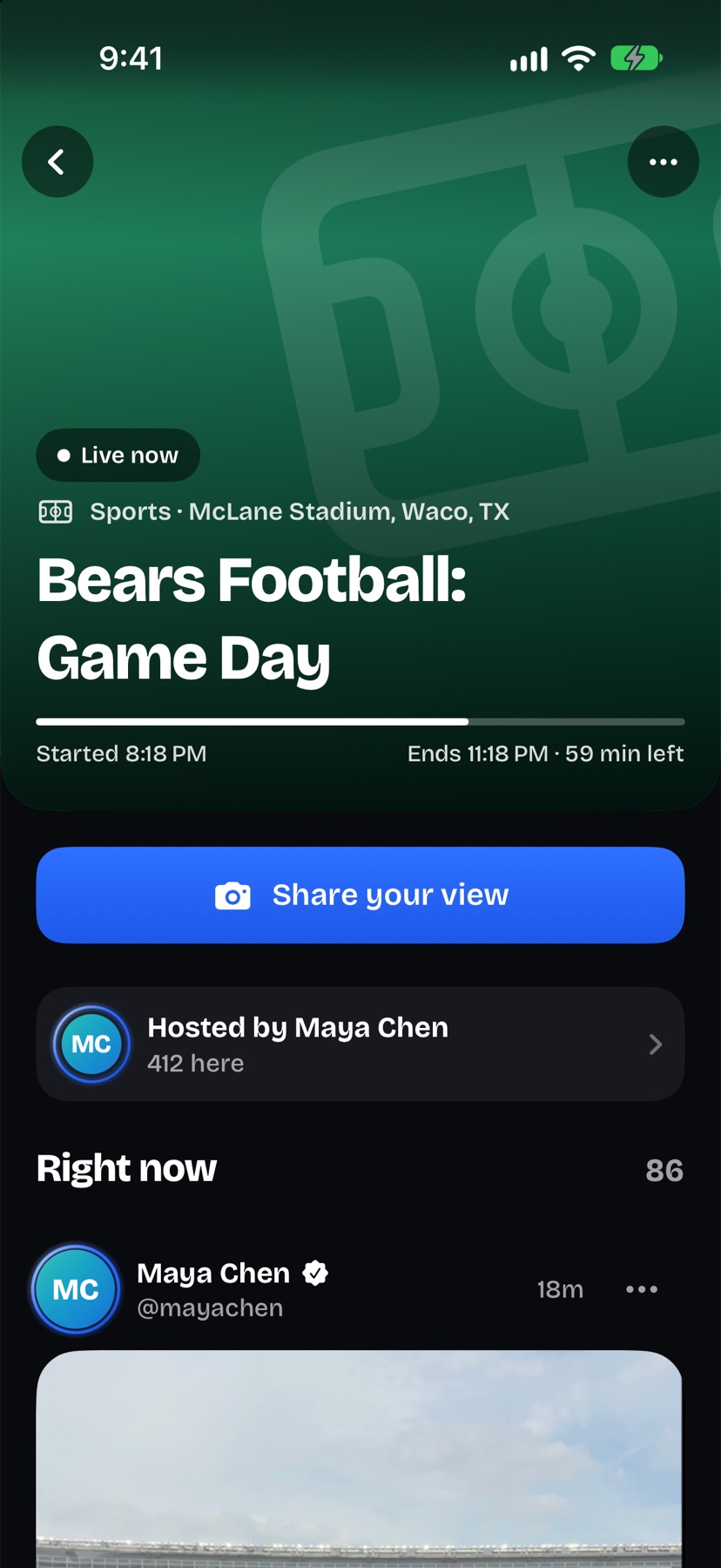
To join a Link or post in it, you need to be within three miles of it. That’s how everything inside a Link comes from people who are actually there.
- Goings checks your approximate location, rounded to about 100 meters.
- Your location is never added to your profile, and there’s no history of where you’ve been.
- Without location, you can still browse and follow along.
-
03While you’re there
Share a Moment.
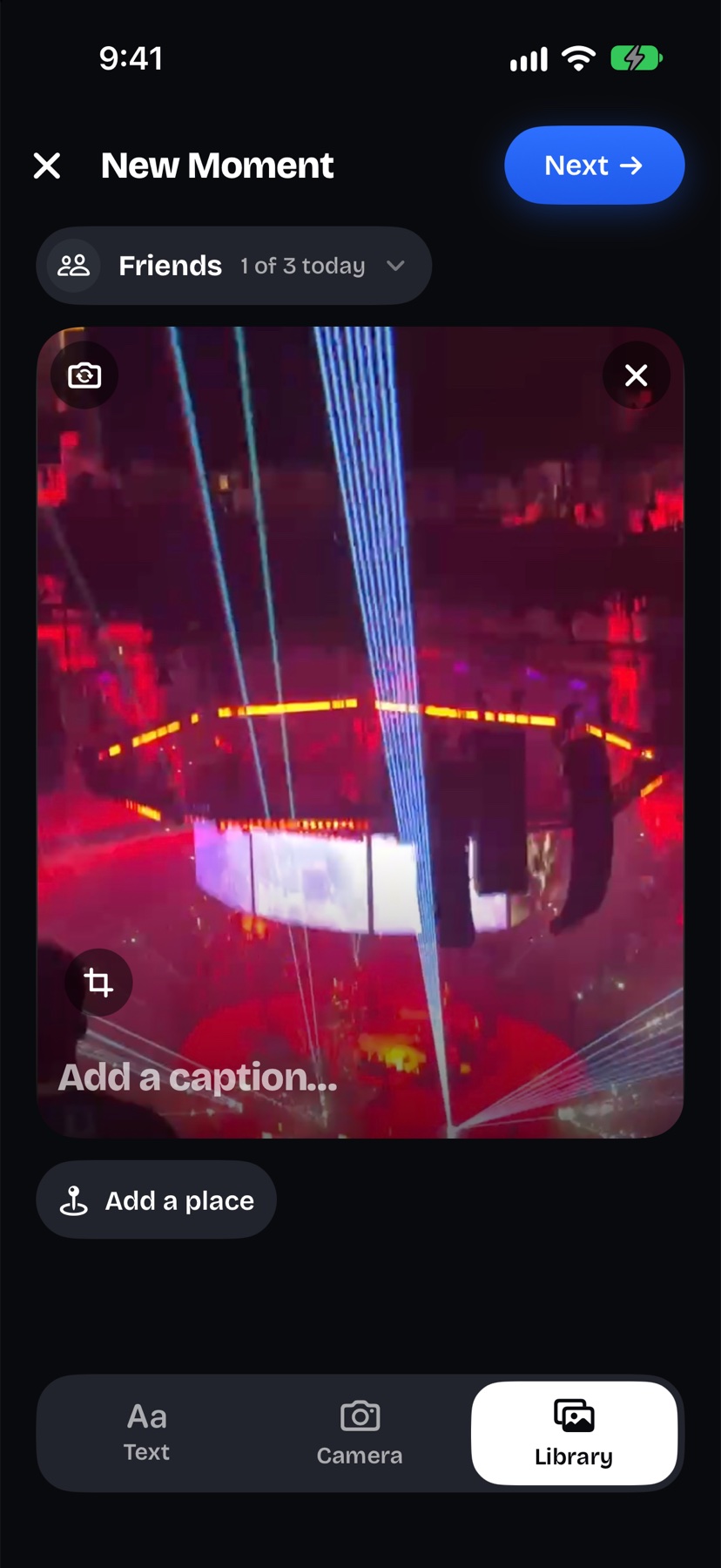
A photo, a short video or a few words, just for your friends. You get three a day, and each one leaves the Friends tab after 24 hours.
- Share with all your friends, or only your Close Friends.
- Tag a place from Apple Maps, and friends can save it with Want to go.
- Your Moments stay in your private Archive until you delete them.
-
04With your people
Bring your people.
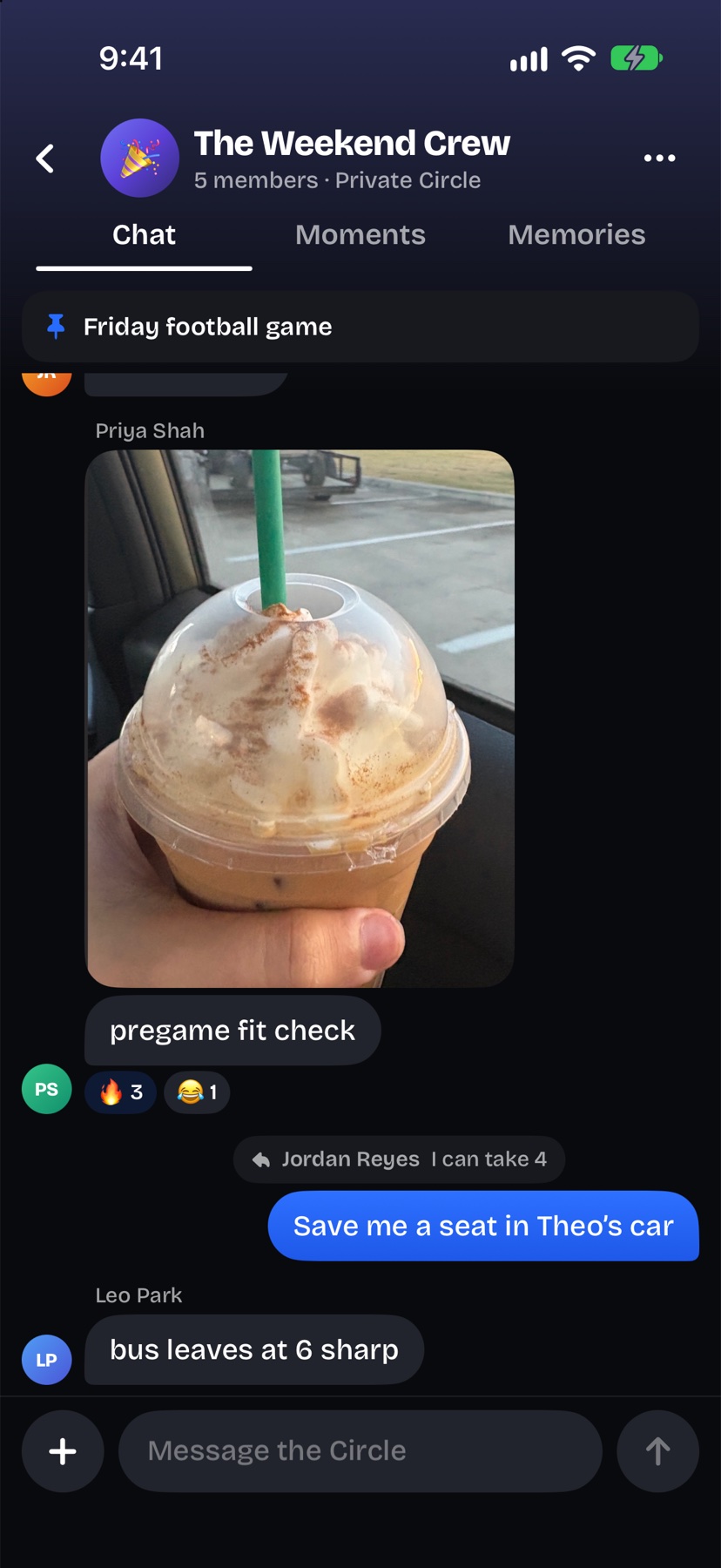
Circles are private group chats for the people you see every week, with your group’s Moments, memories and plans in one place.
- Invite-only. Someone in the Circle approves each new member.
- Circles never show up in search.
- New members see messages from when they joined.
-
05When it ends
It stays.
When a Link ends it becomes a recap, a memory of the night kept for the people who were there. Your profile fills up with the places you went and who you went with.
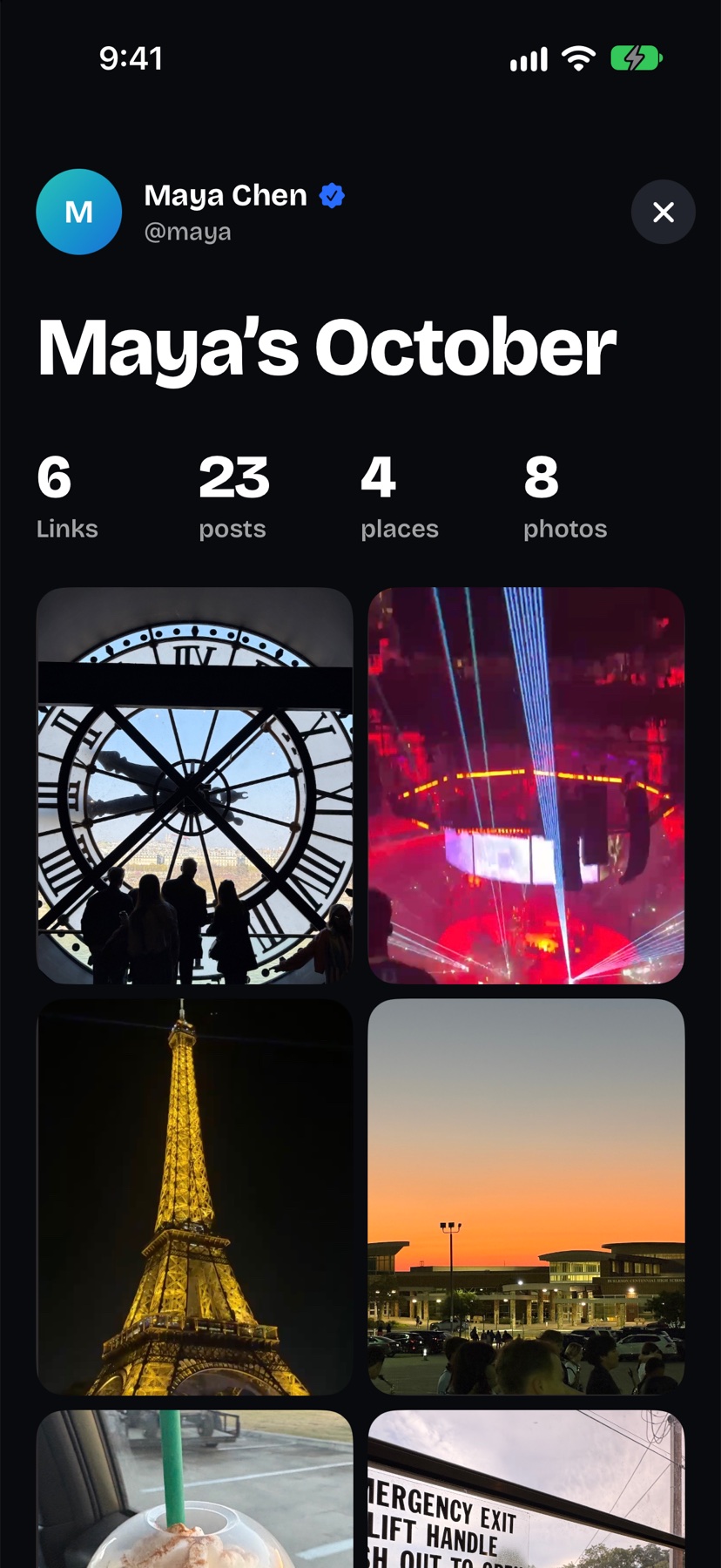
- Turn any month or year from Memories into a link anyone can open.
- It shows your name, a few counts and up to 24 photos. Never captions, comments, friends or locations.
- Stop sharing whenever you want, and the link stops working.
The details
- Link pages
- Every Link has a web page anyone can open from its link or QR code, and organizers can print a poster for it. The organizer can turn the page off at any time.
- Lock Screen
- Turn on the Lock Screen card in Settings, and the Link you’ve joined shows on your Lock Screen and in the Dynamic Island while it’s live.
- Friends
- Follow each other and you’re friends. There are no friend requests. See who liked, commented and followed, all in one place.
- Notifications
- Hear when someone messages you or a Link goes live near you. Each kind has its own switch.